Introduction
In this blog, we’re gonna detail how to make an VR game with Unity 2021 version. I’ll detail the steps to connect the headset, and make the game recongnize the controller.
The Game
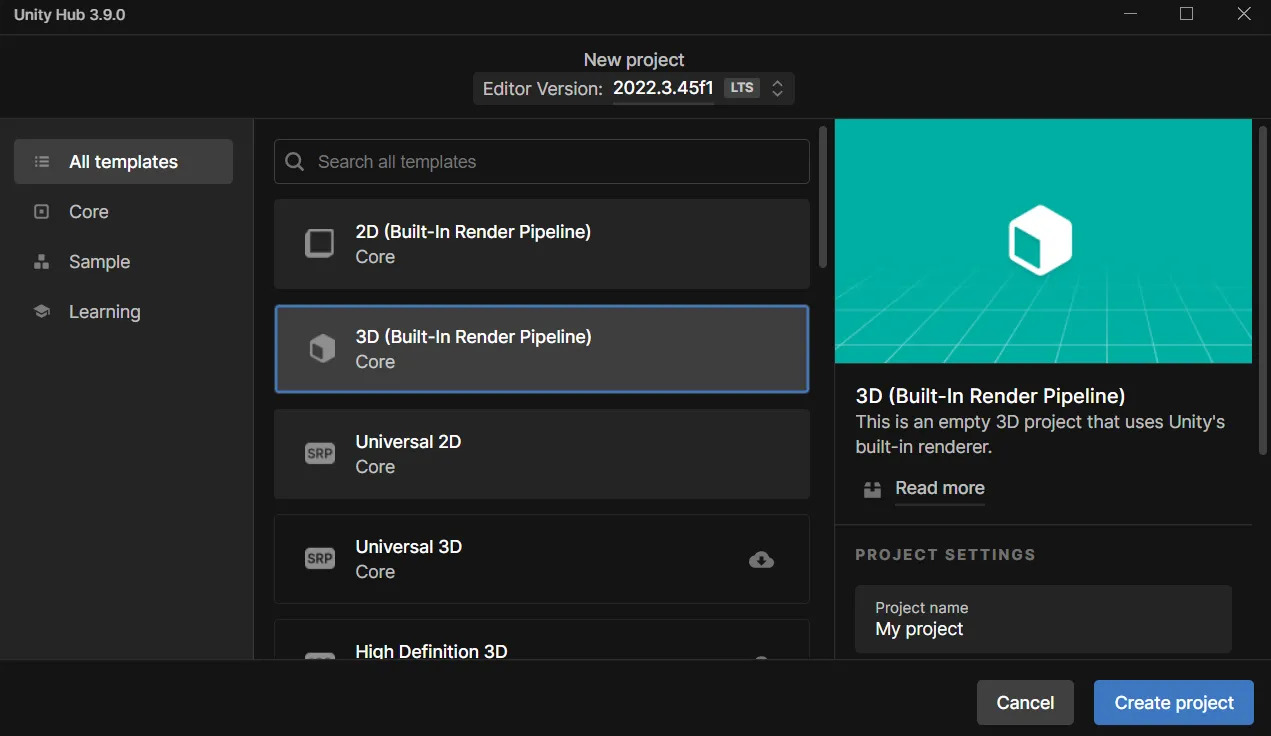
First of all we need to create a unity project and choose 3D :
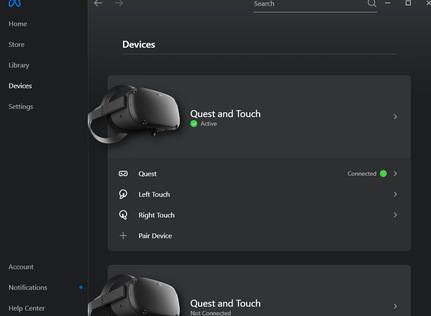
Then, we should install all the package necessary to connect the VR headset with our code, first, if you have a meta quest headset, you should download and create a meta account with the Meta Quest Link app
Then, you just have to configure the headset to make it recognize by your device.
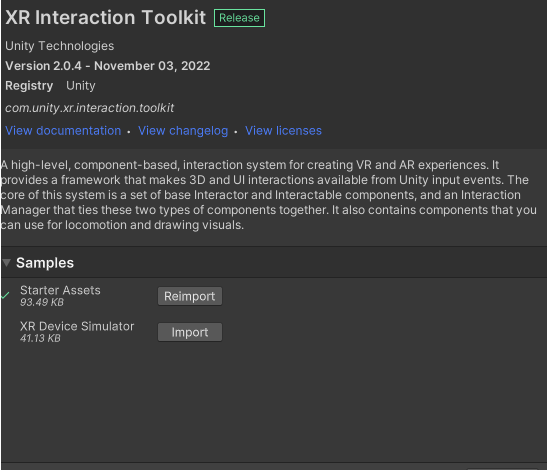
After that, let’s get back to the unity project, and download the package XR interaction toolkit and XR plugin management and, in the samples, install the package for the starter assets, it will make the job easier for the implementation of the VR :
Once you have done all of that, you can add your first VR camera, by creating an XR origin :
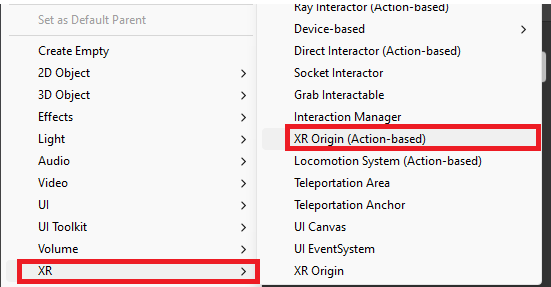
Then, we have to go to Edit -> Project settings to change one more thing, install the XR plug-in Management, and once done, click on the Oculus button which should be unchecked at the beginning.
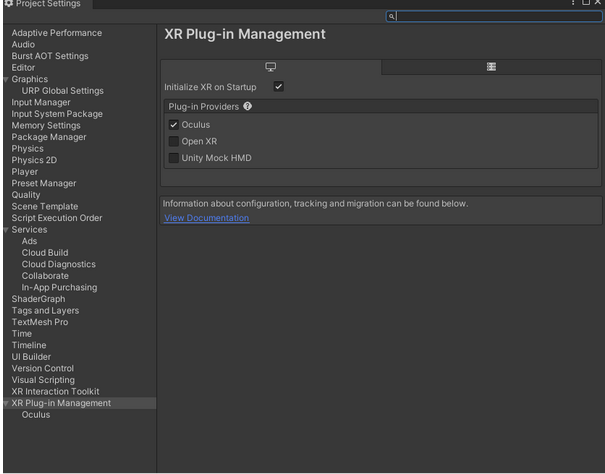
So, here we are ! Let’s add a plane to have a ground and let’s see our scene
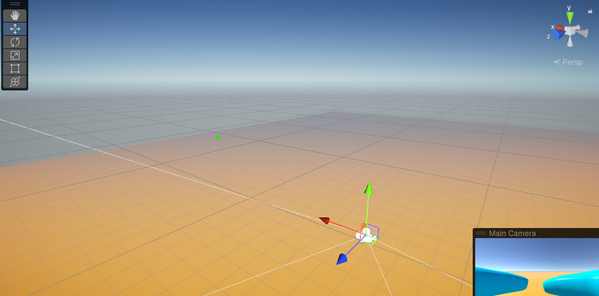
We have the camera, and we want to parameter the controllers now, to do so, let change the settings inside the camera :
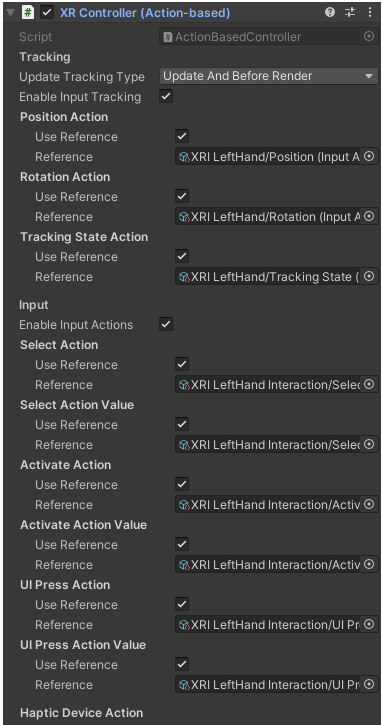
In LeftHandController (this part is the same for RightHandController), you have a XR controller, and you have to set up by clicking the button on the right, and choose the configuration with the starter Assets
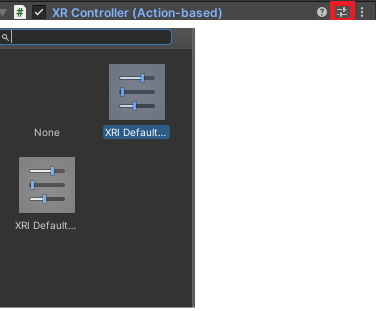
And you’re panel should look like this:
Let’s do a prefab for the each hand, you can just create a prefab under the controller, just like that :
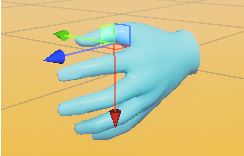
And simply by doing that, unity will understand that the prefab should be the model for the controller, and you can now launch you game, and build whatever you want !