Developing my first game in Unity
During my Master degree, we developped in a course name HCI (Human Computer Interaction) a simple game in Unity.
The goal is to collect all the green cubes, and to avoid the orange ones. If the player hit an orange cubes, he lost, and if he collect all the green cubes, he win.
Setup
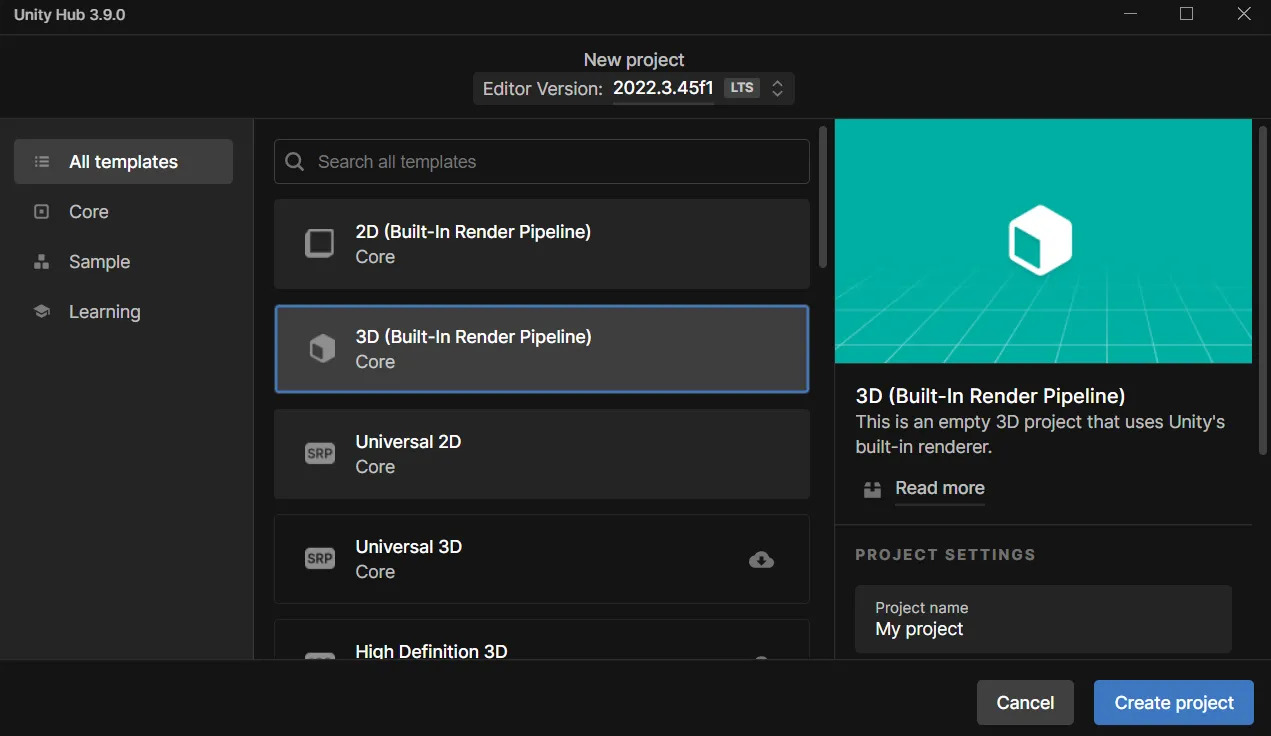
Intall Unity Hub and create a 3D pipeline, with the 2022 version :
The Game
Before coding the game, we have to build our scene, so, you should build the scene, so it should look like that :
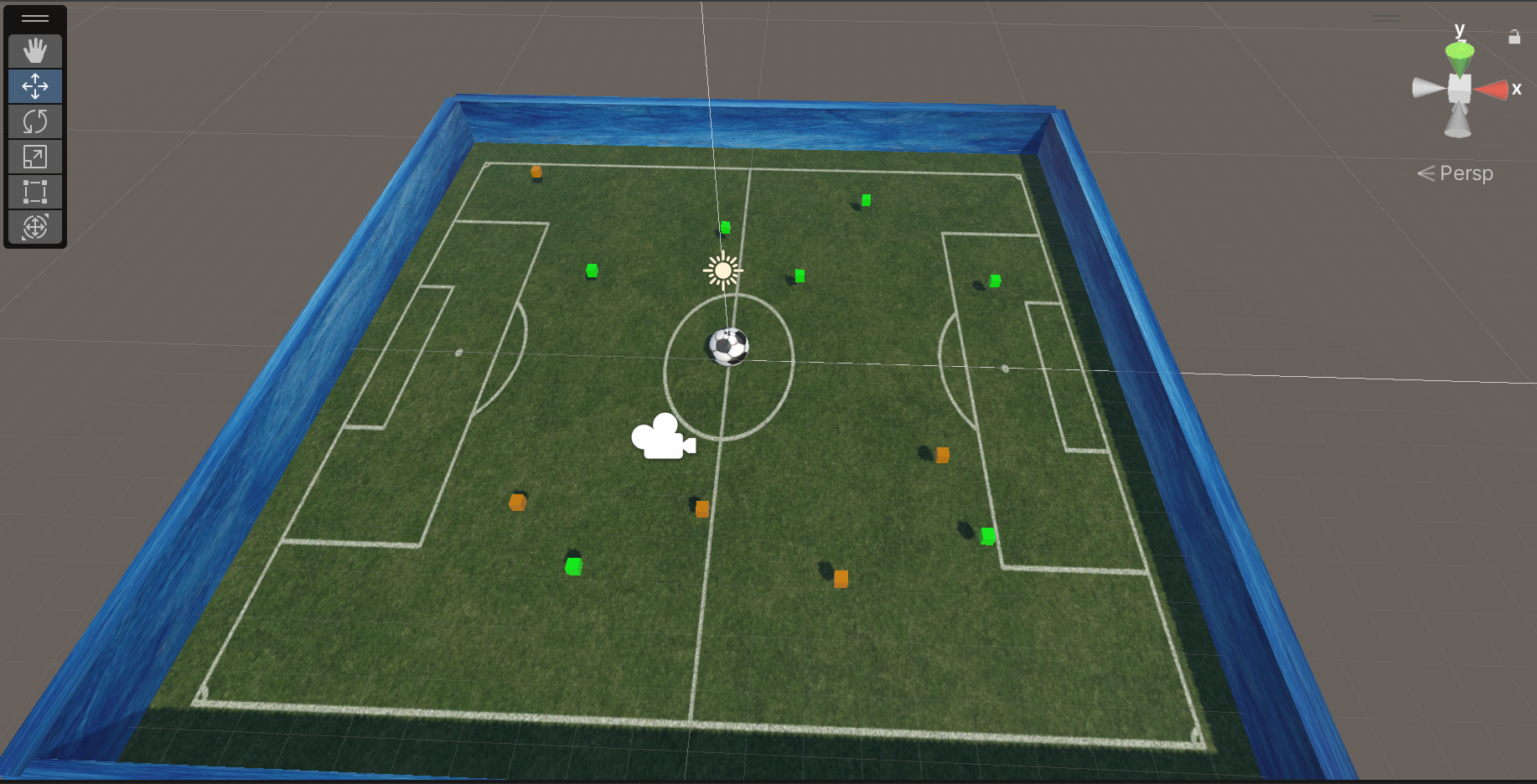
In order to do that, you should create a ball with 3D object -> Sphere. You do the same for the cubes and the floor (Plane)
You can add a material with a right click on the board and then select the color you want
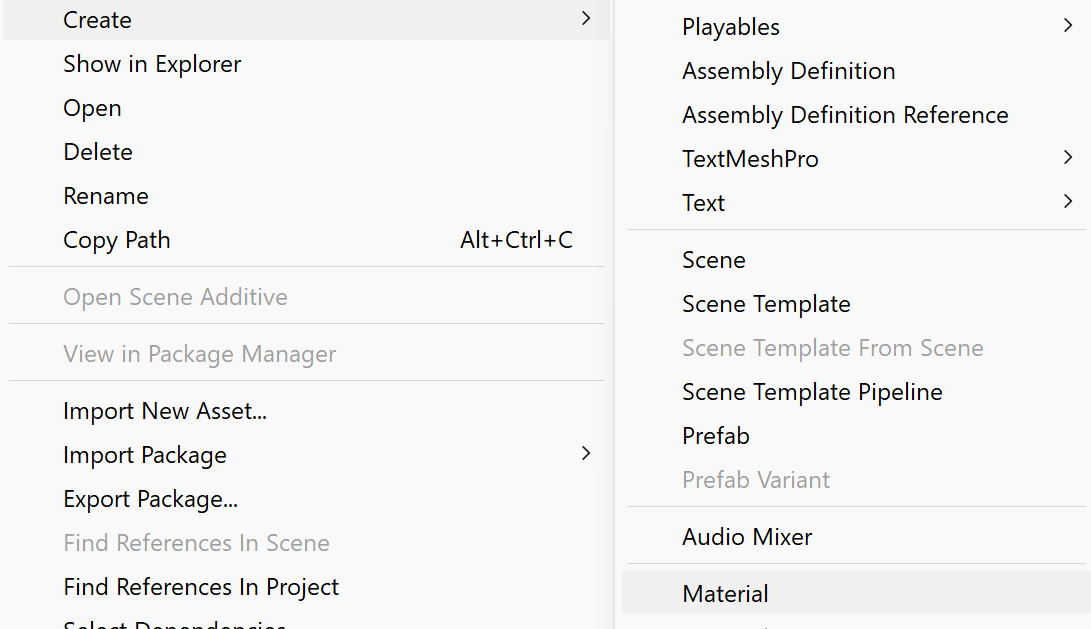
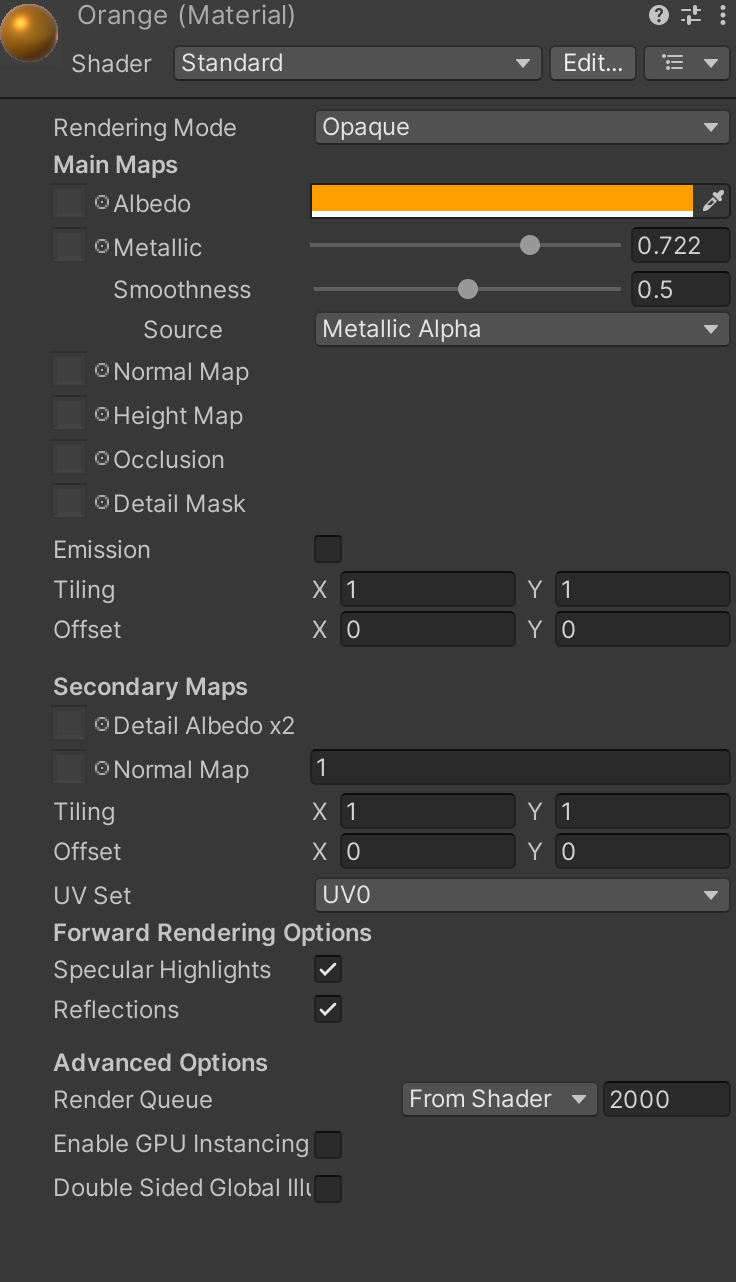
Code
Next step for coding is add a script into the player ball. To do so click on the ->add component->new script.
We want to move the ball with the arrows on the keyboard. To do so, here is what we should do :
-
Create the OnMove function :
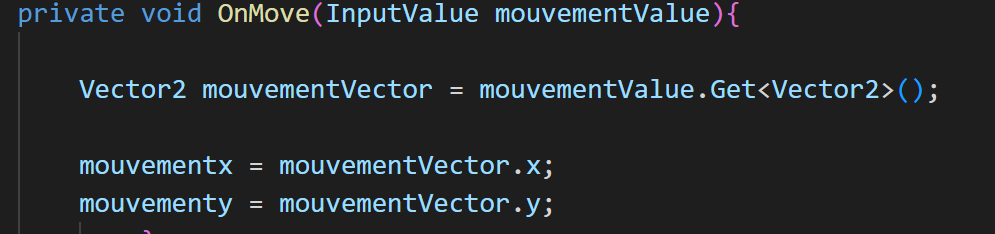
-
Make sure that you added a RigidBody on your ball, initialize it in your code and get it with the command

- To move the ball with the key, here is the FixedUpdate function that add the force when we press the buttons :
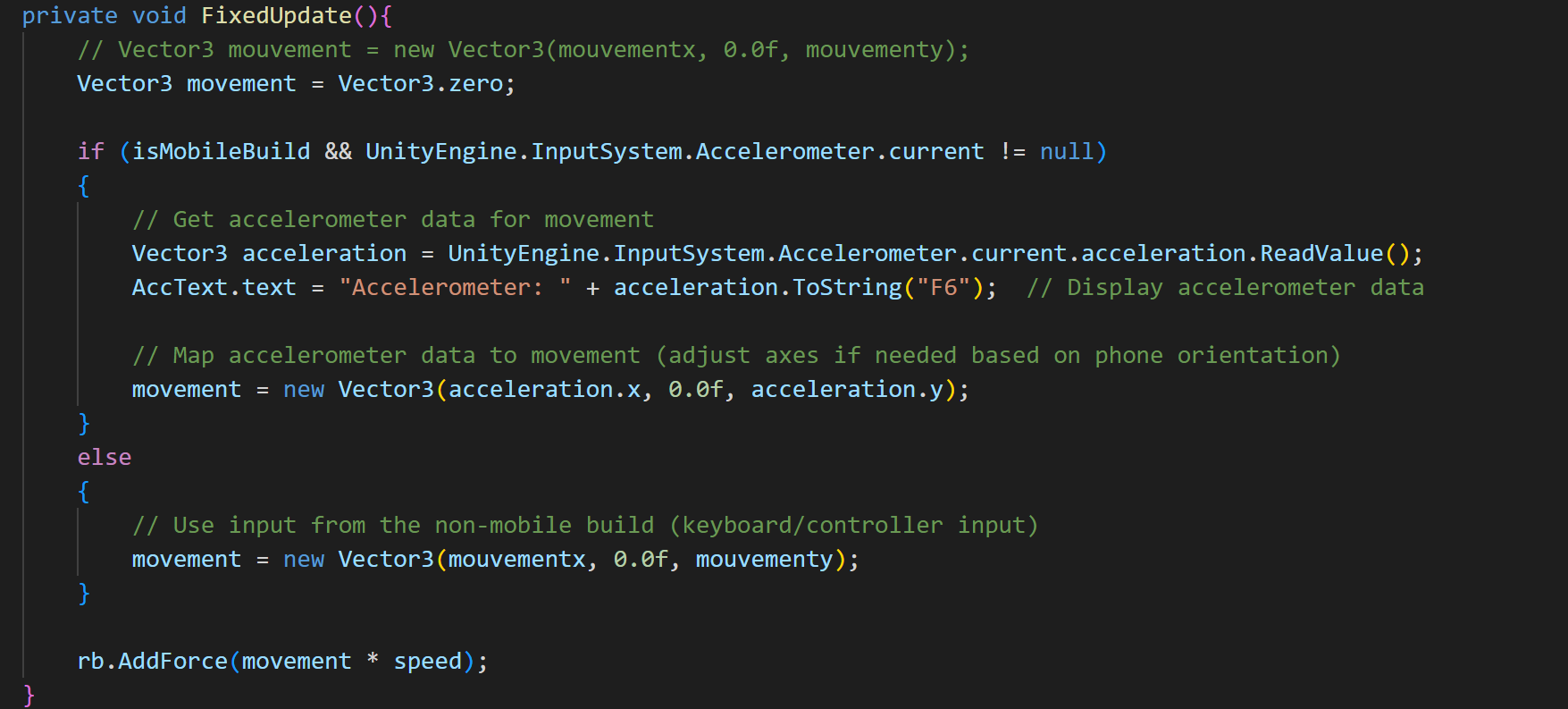
Now, we will see how can we collect the cubes, and code the green and the orange ones to do as we wish, as well as incrementing the score.
- Create a Tag for each cubes, orange or green, and make sure that the “isTrigger feature is checked in the collider feature
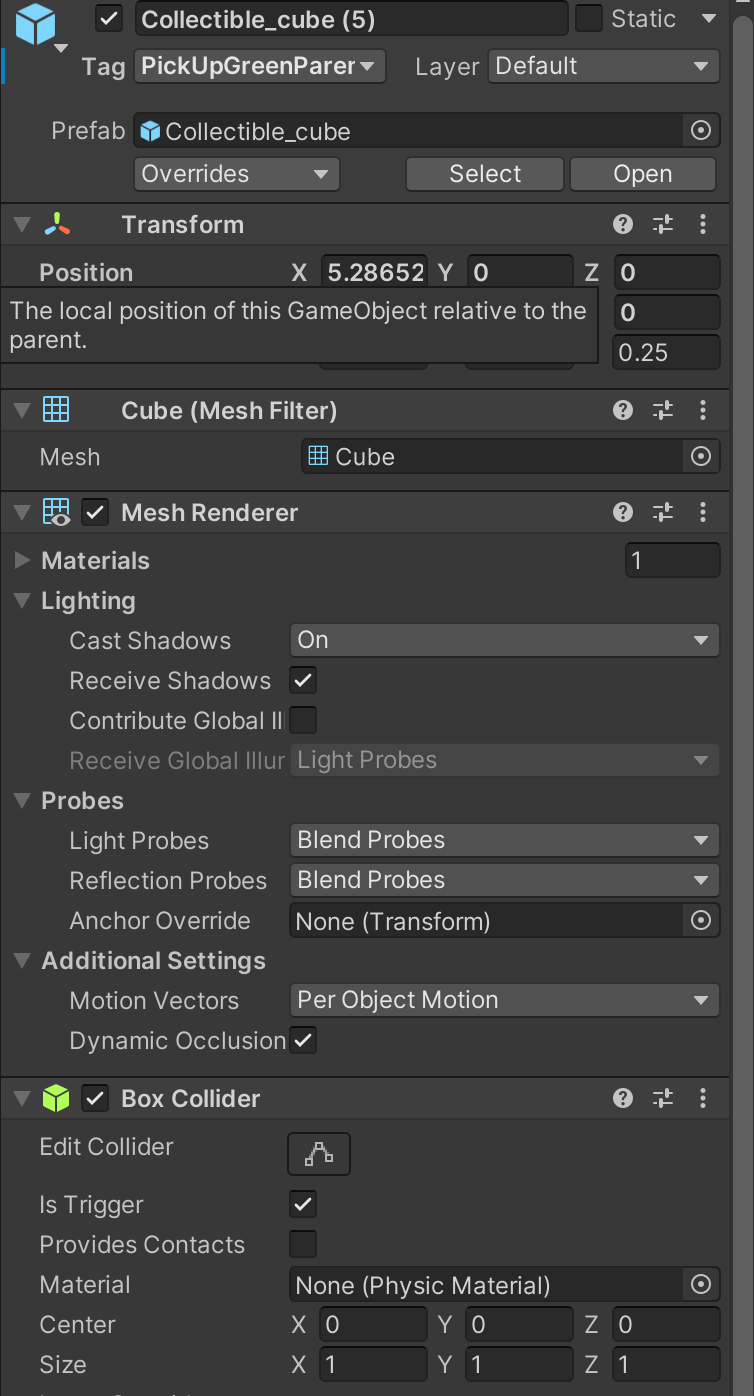
- Then, Return to the code and add the OnTriggerFunction(), and the DisableAllPickUps() like that:
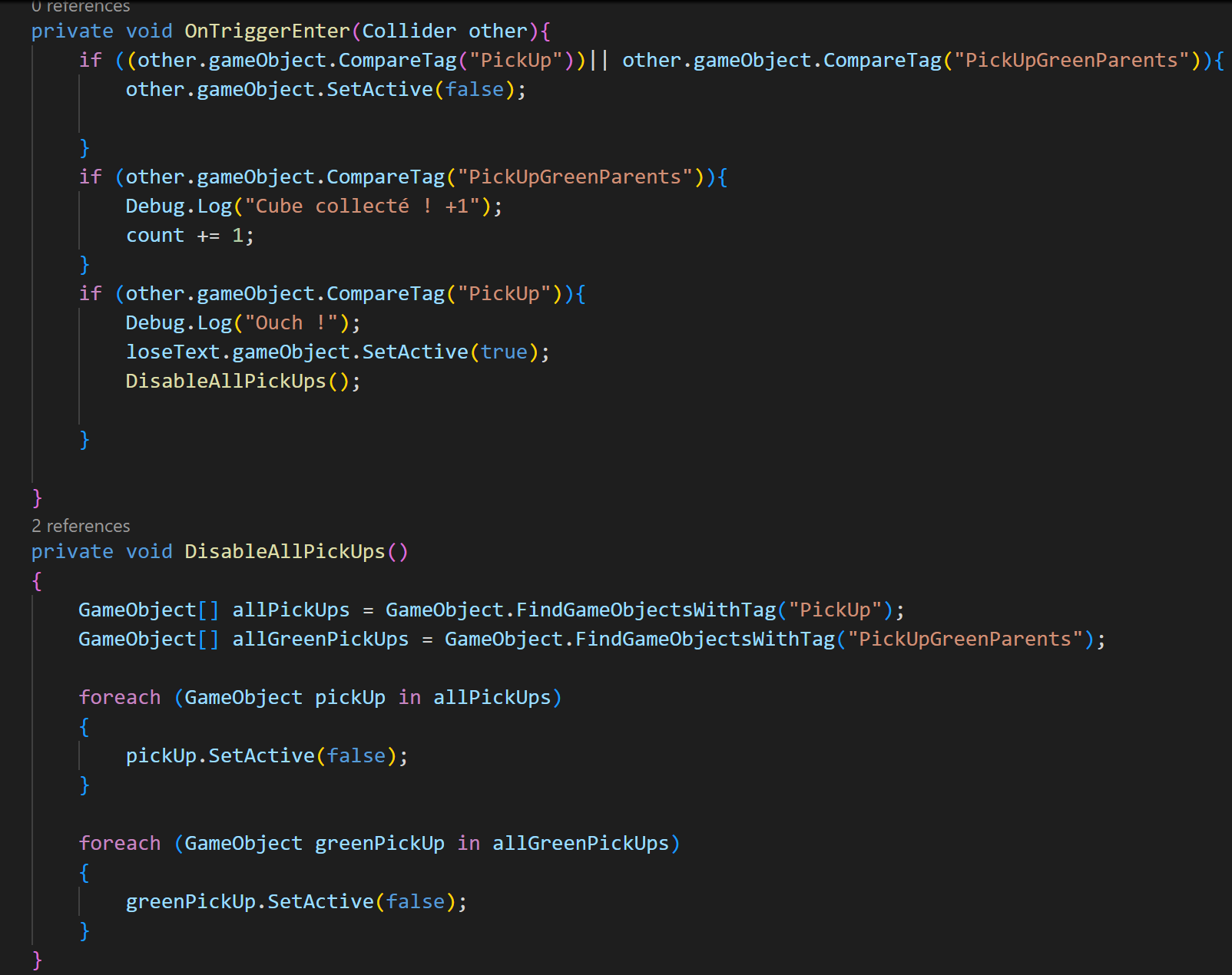
Now, we want to add a HUD, with the score, and the text for win :
- Add a Canvas with a TextMeshProUGUI by clicking UI->TextMeshProUGUI and add it into your script by add the using TMPro like that
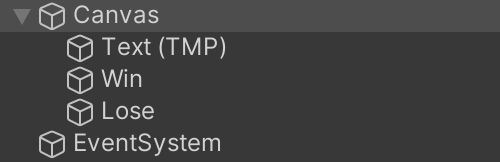
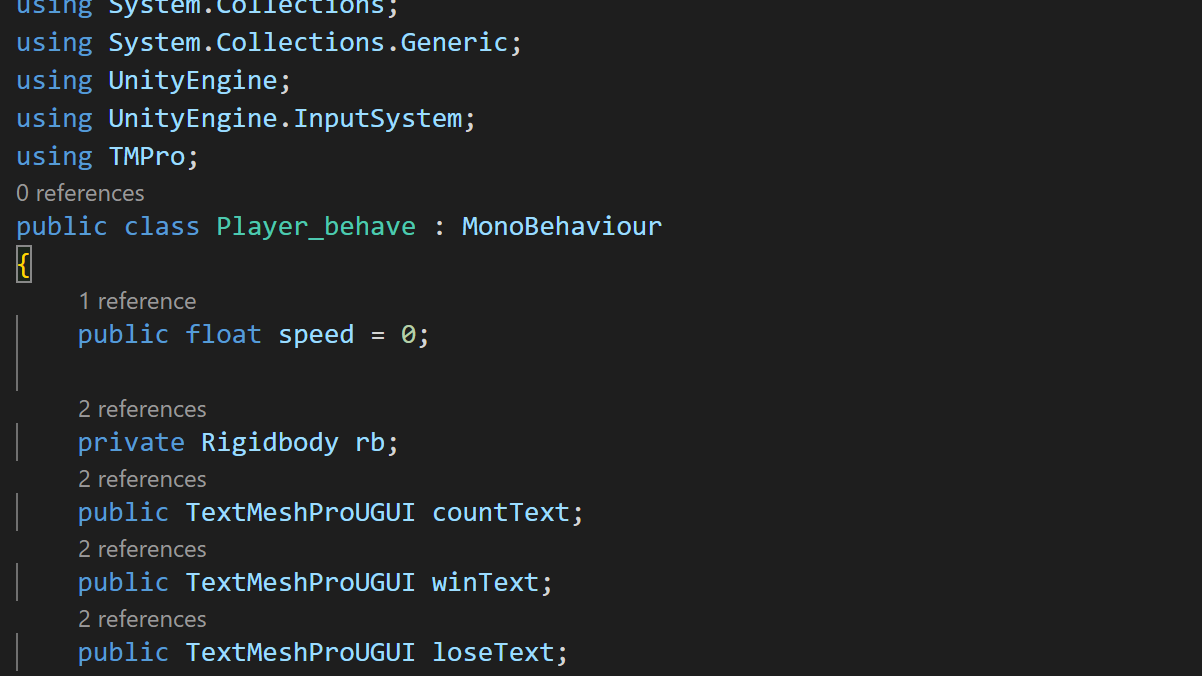
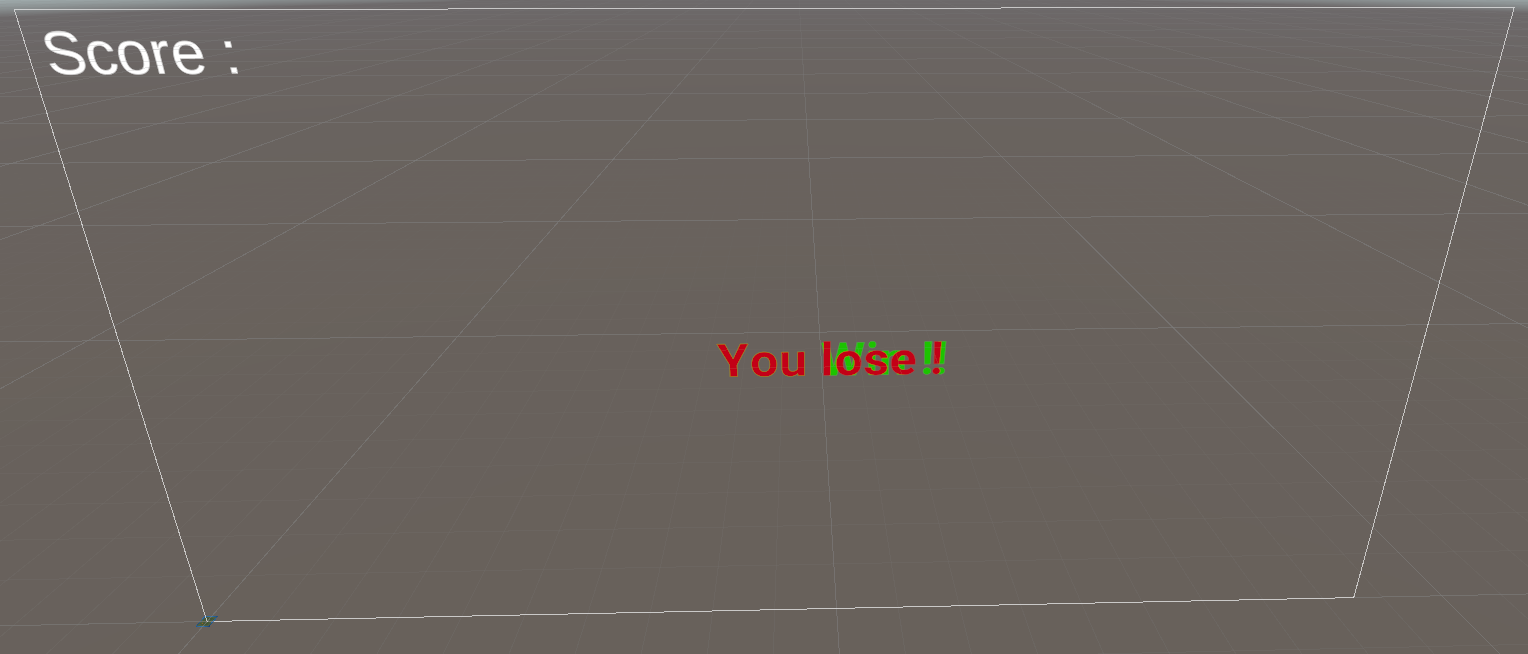
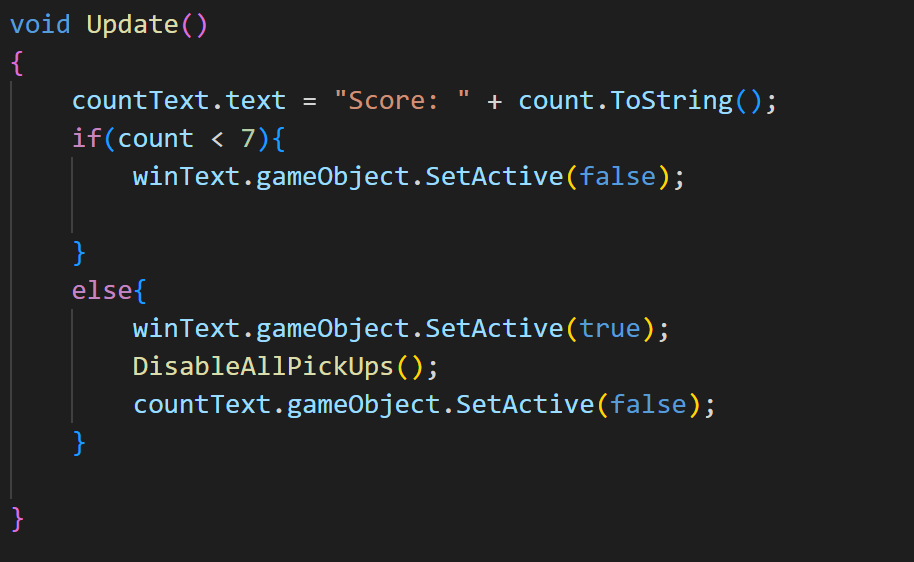
- Then, build the Function Update() like that, and don’t forget to disable in the start function your text :
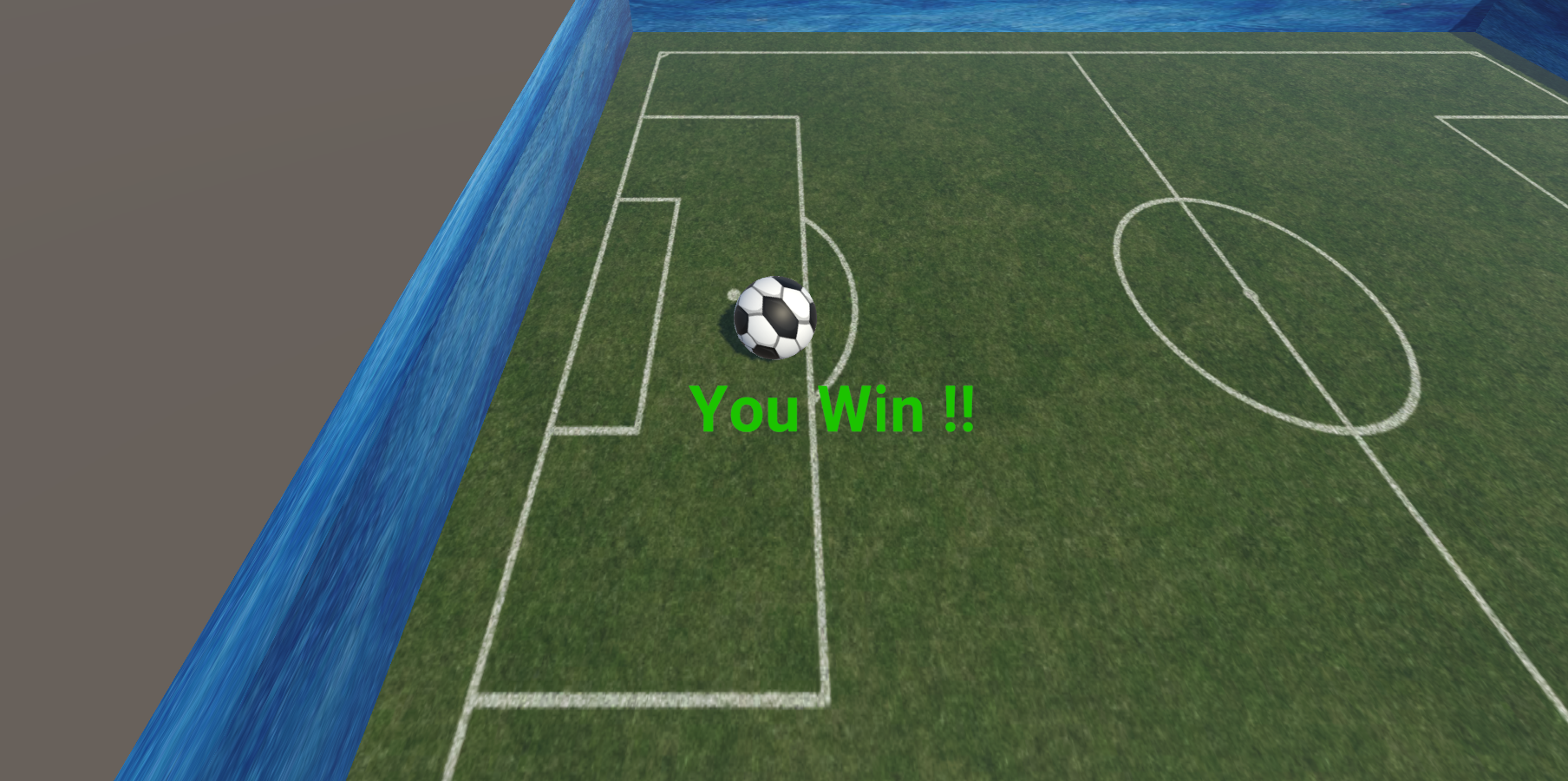
- Now whenevere you collect all your pickups, you have this text :